Free Printable Blank Calendar Templates
Completely empty grids — no dates, no holidays — ready for your plans, schedules, and creative projects
Why Use a Blank Calendar Template?
Most calendars come pre-filled with dates and holidays — but what if you need something completely flexible? A blank calendar template gives you a clean grid with day-of-week headers (Sunday through Saturday) and empty cells. No numbers. No holidays. No distractions. Just a pure canvas ready for your content.
Teachers use them for classroom schedules. Parents use them for chore charts and meal plans. Fitness enthusiasts track workouts. Students manage assignment deadlines. Project managers map timelines. The possibilities are endless because the calendar is truly yours to design.
Every template on this page is 100% free to download and print. No email sign-up. No watermarks. No expiration. Just click, download, and start planning.
Choose Your Blank Calendar Style
We offer six different undated planner designs. Each gives you a clean, empty grid — but the layout, week start day, and visual style differ to match your personal preference and intended use. Every style is available for all 12 months of 2026.
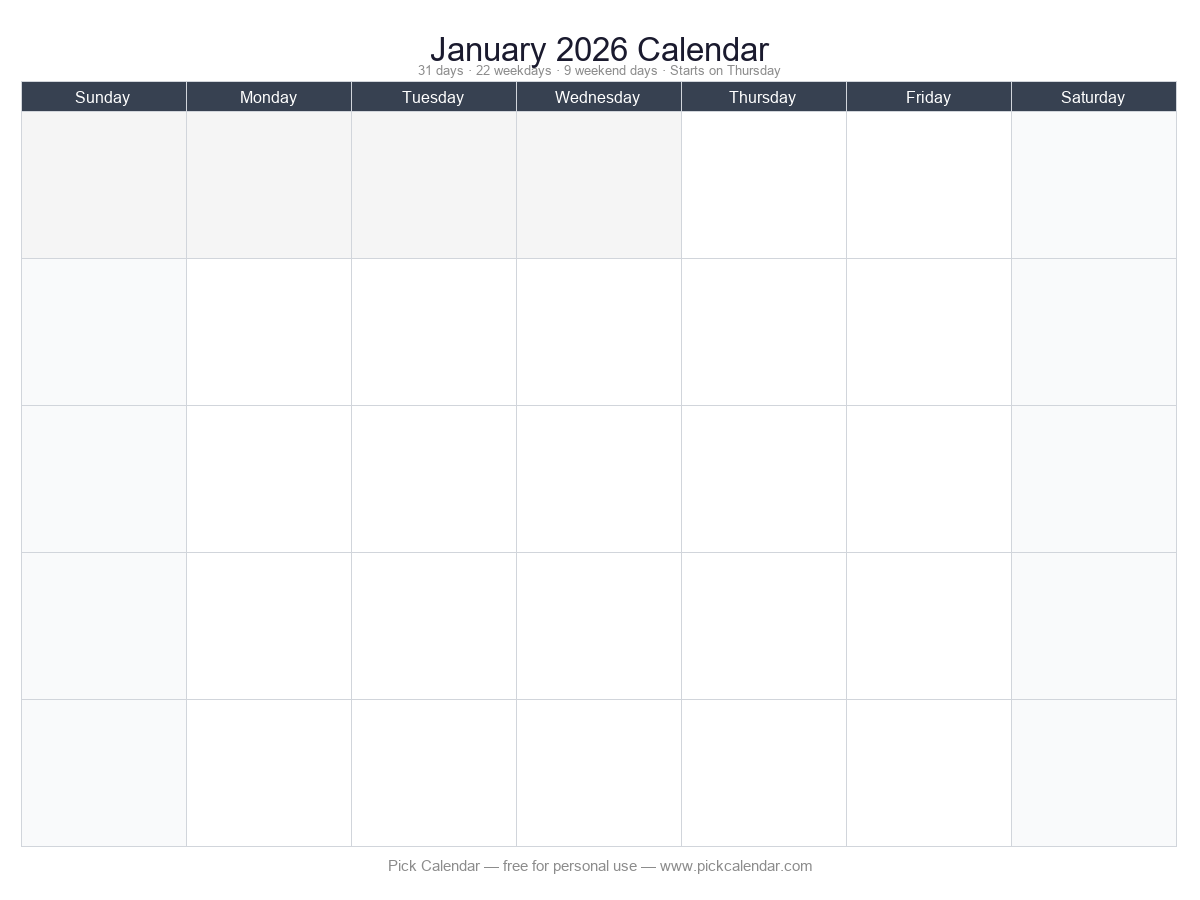
Completely Empty
No dates, no month names — just the day headers and blank cells. The ultimate reusable template for any month of any year. Print on cardstock and laminate for a dry-erase calendar that lasts forever.
📄 Download January PDF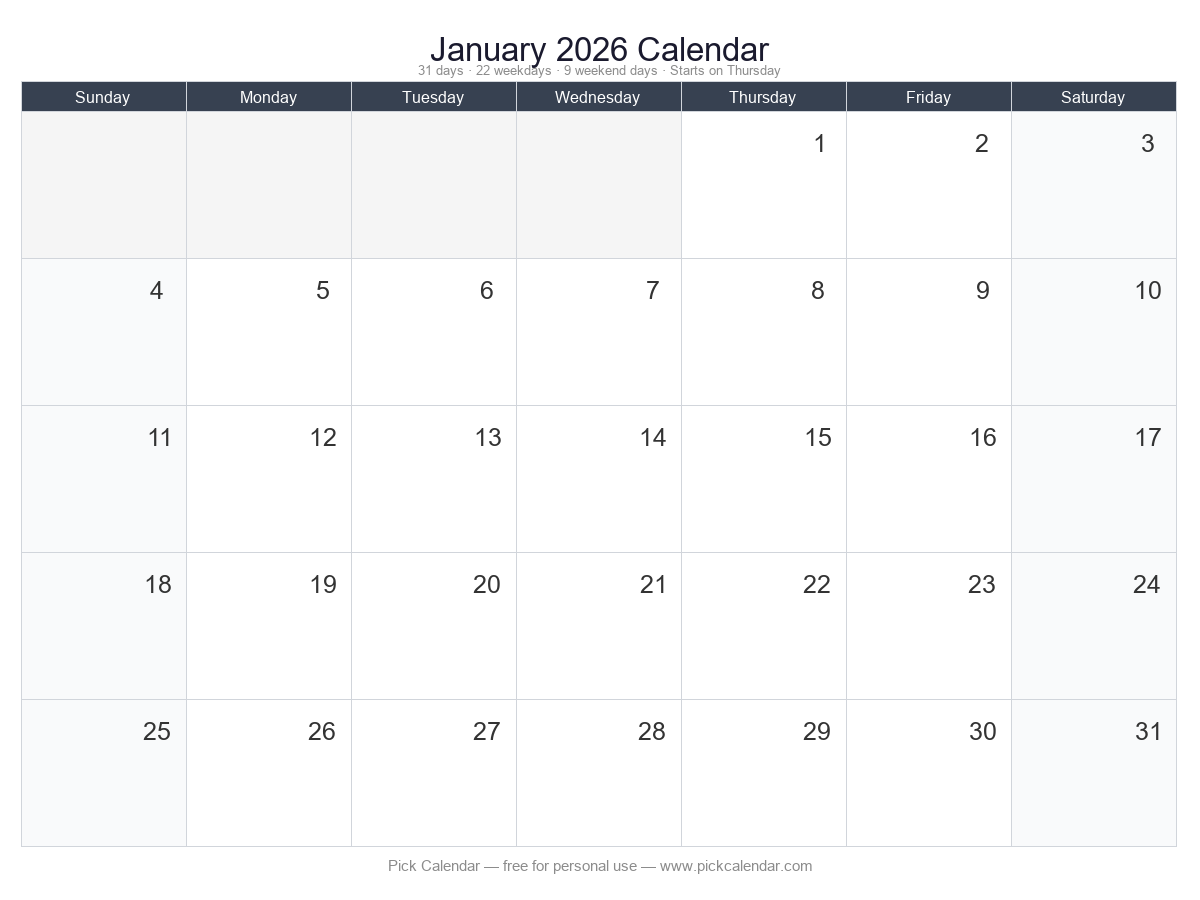
Blank with Grid
Clean grid with dates removed but month structure intact. The familiar calendar shape without the distraction of numbers. Great for artistic projects, mood tracking, or any use where dates do not matter.
📄 Download January PDF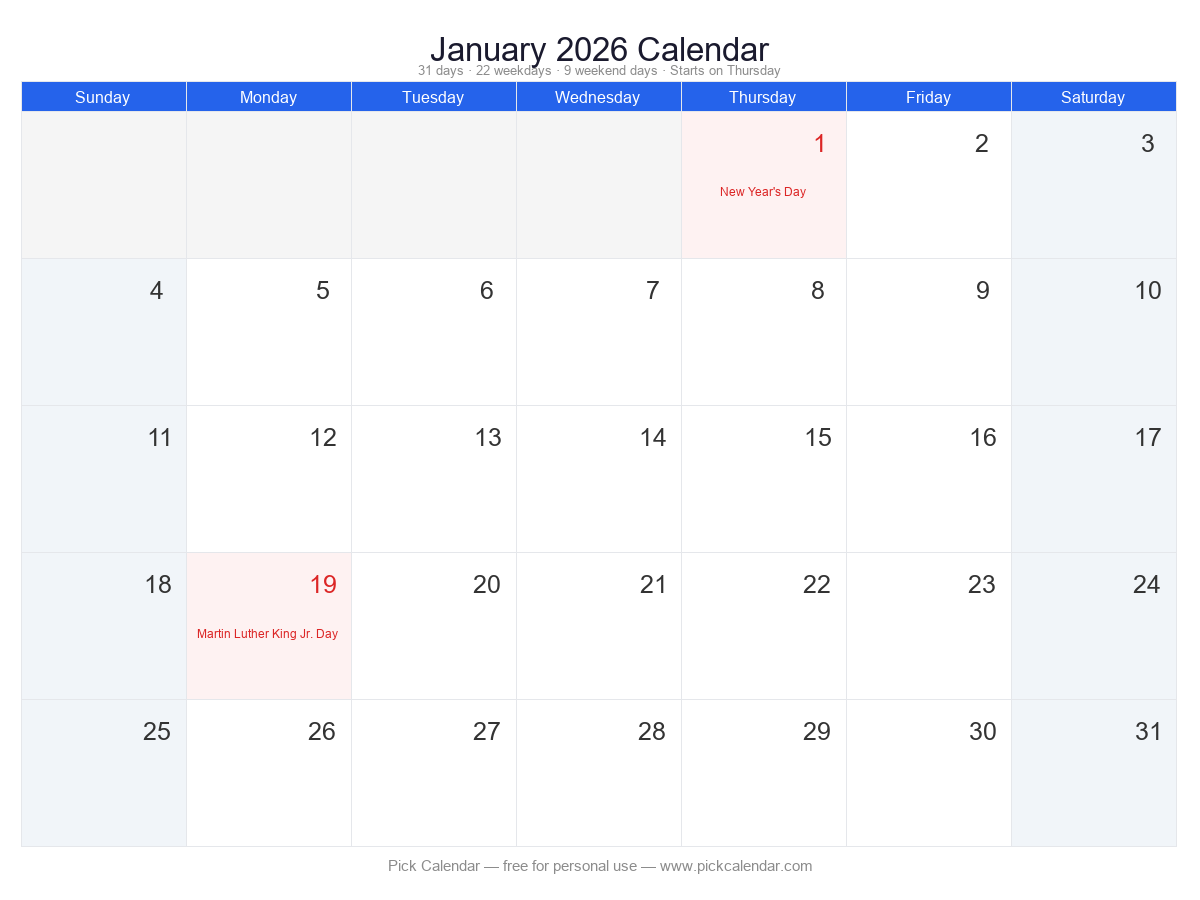
Standard Blank
Sunday-start grid with a professional blue header. Classic and familiar — perfect for home and office use. The clean design blends into any environment without drawing attention.
📄 Download January PDF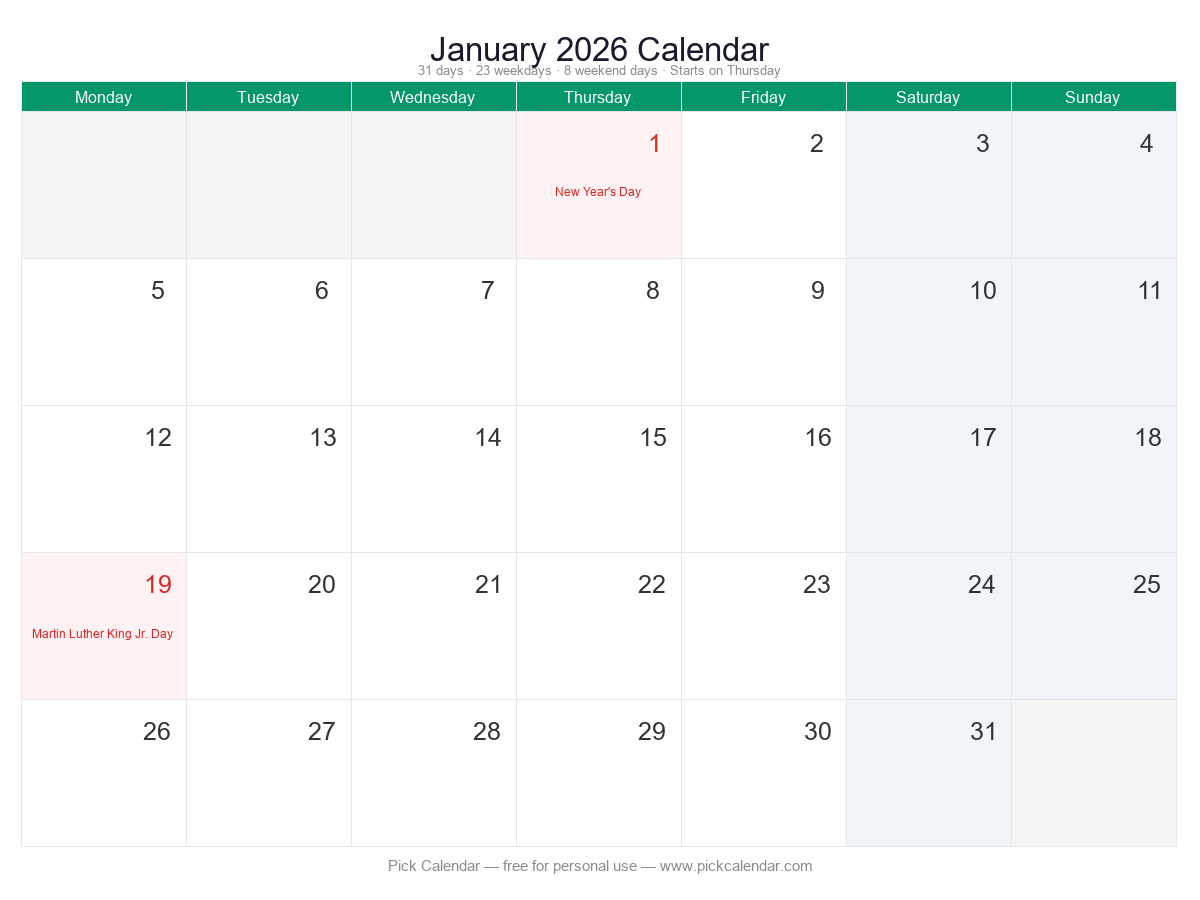
Monday Start Blank
Week starts on Monday, ideal for business planning and international users who prefer the ISO week layout. European offices and project managers love this format because the work week sits together at the top.
📄 Download January PDF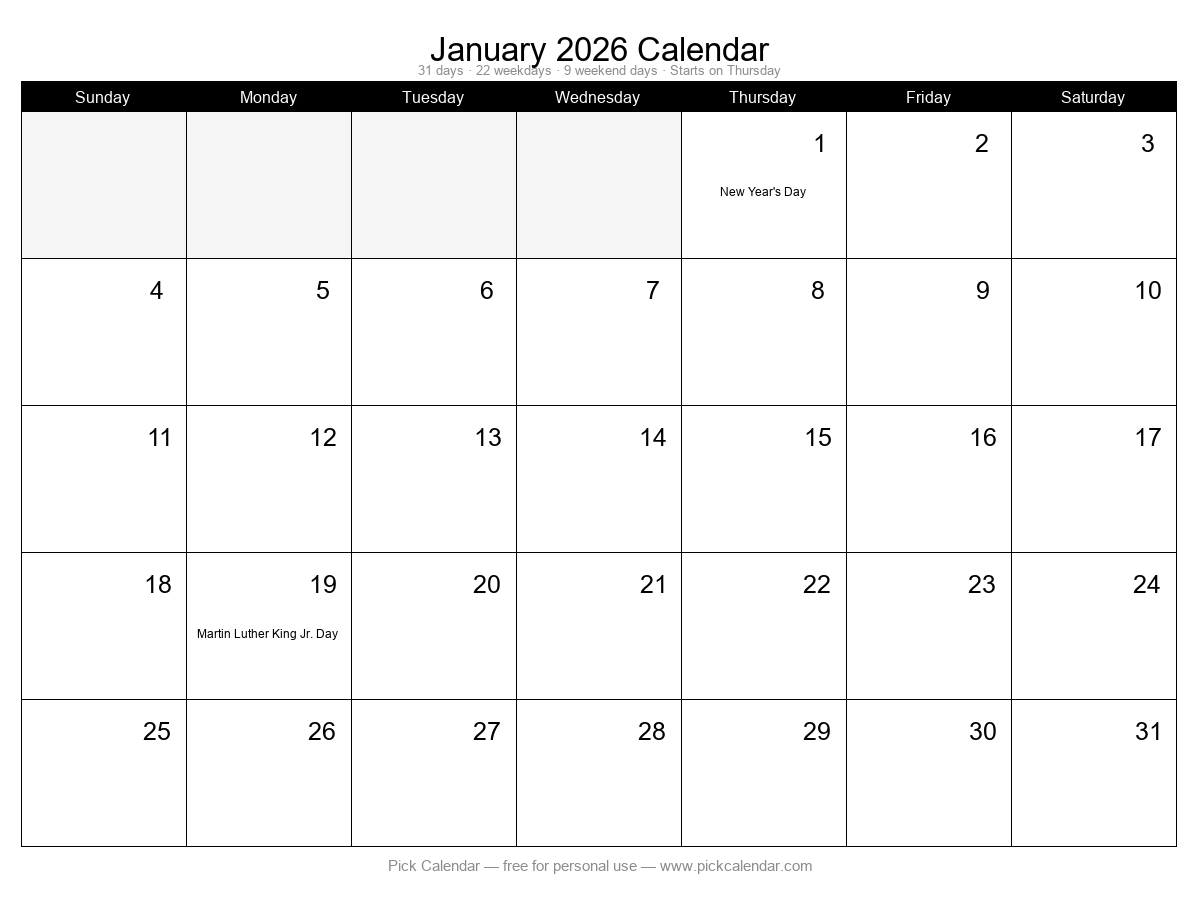
Minimal Print Blank
Black-and-white design with thin borders. Uses the least ink and prints perfectly on any printer, including black-and-white laser printers and school copiers. Students and teachers prefer this budget-friendly option.
📄 Download January PDF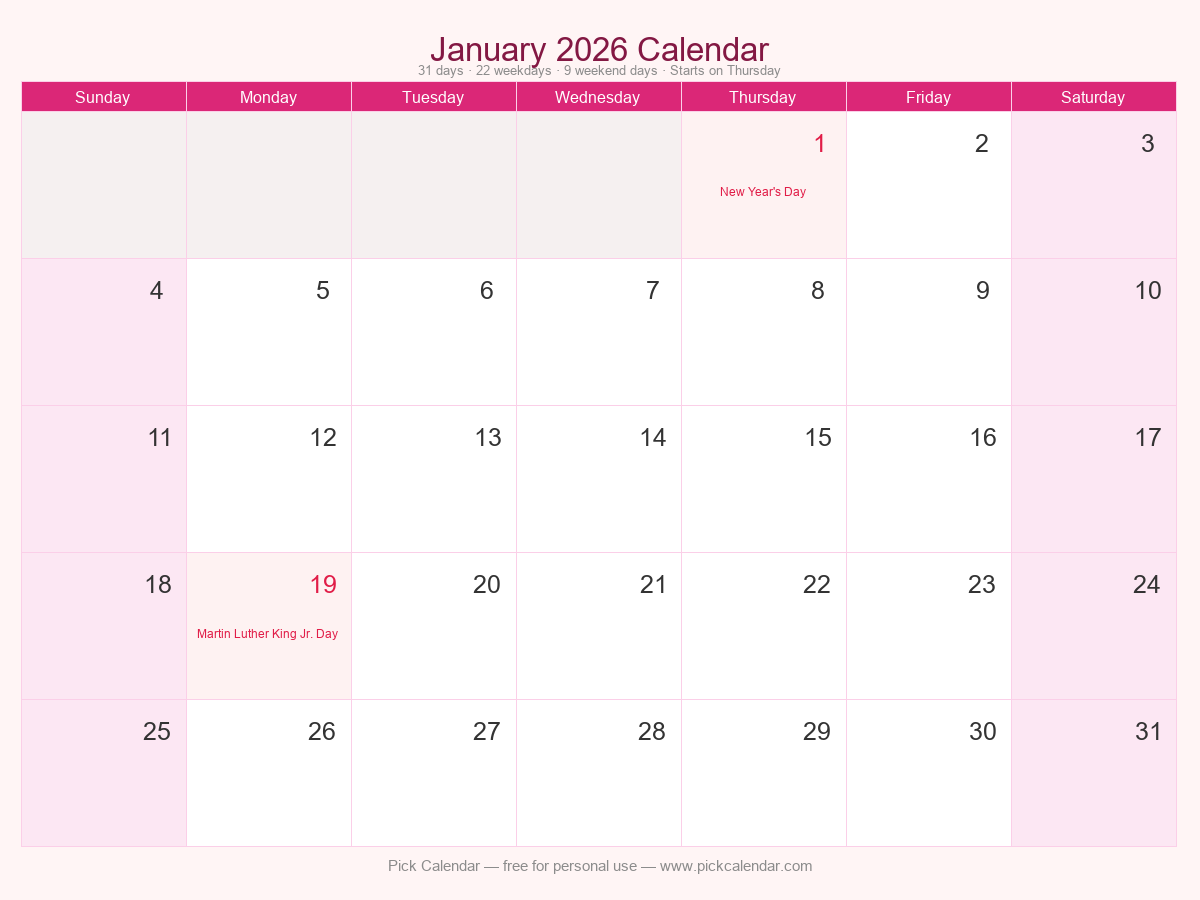
Stylish Blank
Soft pink theme with rounded aesthetics. Great for personal journals, gift planning, wedding preparation, and anyone who wants their planner to look beautiful on a desk or bulletin board.
📄 Download January PDFDownload a Blank Calendar for Every Month of 2026
Need an empty template for a specific month? Each link below downloads the completely empty grid for that month — no dates, no holidays, just a clean layout. Print as many copies as you need for home, school, or office use.
 January 2026
Download Empty PDF
January 2026
Download Empty PDF
 February 2026
Download Empty PDF
February 2026
Download Empty PDF
 March 2026
Download Empty PDF
March 2026
Download Empty PDF
 April 2026
Download Empty PDF
April 2026
Download Empty PDF
 May 2026
Download Empty PDF
May 2026
Download Empty PDF
 June 2026
Download Empty PDF
June 2026
Download Empty PDF
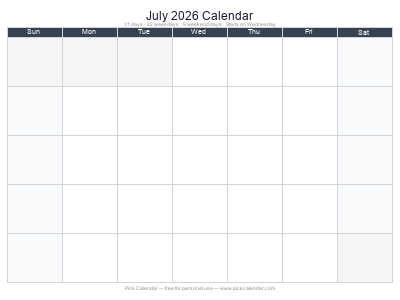 July 2026
Download Empty PDF
July 2026
Download Empty PDF
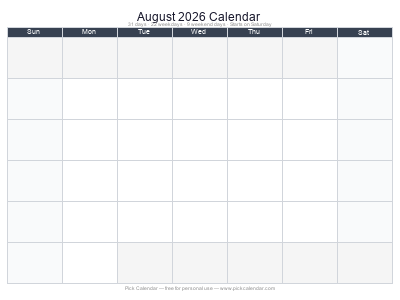 August 2026
Download Empty PDF
August 2026
Download Empty PDF
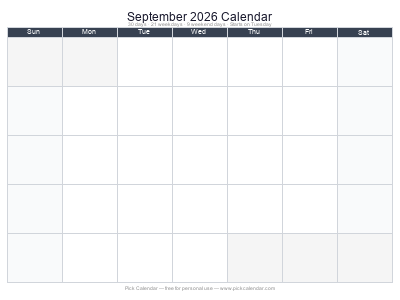 September 2026
Download Empty PDF
September 2026
Download Empty PDF
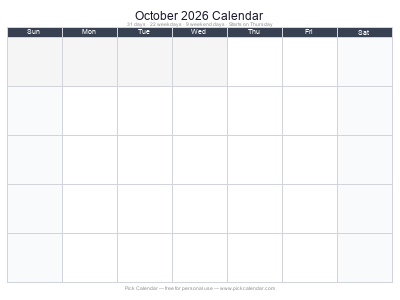 October 2026
Download Empty PDF
October 2026
Download Empty PDF
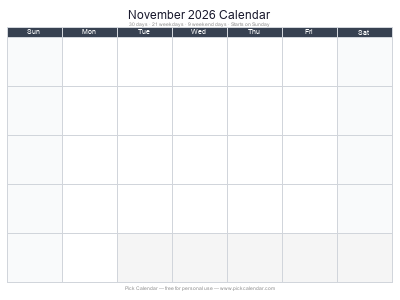 November 2026
Download Empty PDF
November 2026
Download Empty PDF
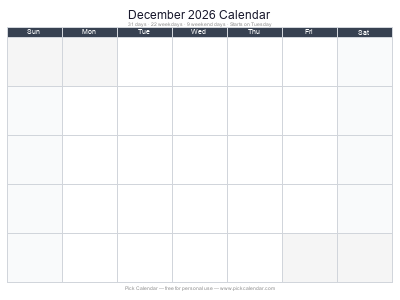 December 2026
Download Empty PDF
December 2026
Download Empty PDF
10 Popular Ways to Use Blank Calendar Templates
Blank calendars are incredibly versatile. Here are the most popular ways our visitors use them — with practical tips for getting the most out of each approach.
1. Meal Planning
Plan your family's meals for the entire month in one view. Write breakfast, lunch, and dinner in each day's cell — or use color-coded markers for different food groups. At the end of the month, review which meals were hits and which to skip next time. Tape the finished plan inside a kitchen cabinet for easy reference while cooking. The blank grid lets you start meal planning on any day of the month, not just the 1st.
2. Habit Tracking
Build better routines by tracking habits visually. Write one habit at the top of each week — "drink 8 glasses of water," "read 30 minutes," "meditate 10 minutes," "no phone before bed." Check off each day you succeed. Seeing a streak of checkmarks is powerfully motivating. Blank calendars work better than apps for many people because they stay visible on the wall rather than hidden inside a phone.
3. Classroom Schedules
Teachers love empty grids for posting homework assignments, test dates, field trips, and project deadlines. Laminate the template and use dry-erase markers so you can reuse it every month. Students can also use personal printable grids to track their own assignment deadlines across multiple classes. Color-coding by subject makes it easy to spot busy weeks at a glance.
4. Workout & Fitness Tracking
Map your entire month's exercise routine on one page. Schedule cardio days, strength training, rest days, and flexibility work. Record sets, reps, or mileage directly in each day's cell. Many fitness enthusiasts laminate an undated grid and hang it in their home gym. The visual reminder keeps you accountable — missing a day creates an obvious gap you will want to fill.
5. Budget & Expense Tracking
Track daily spending by writing each purchase in the corresponding day's cell. At the end of the month, add up each week to see where your money goes. Many people are shocked to discover how much they spend on small daily purchases. An empty grid makes the pattern visible. Use red ink for unnecessary spending and green for planned expenses to train better financial habits.
6. Project Management
Freelancers and small business owners use printable grids to map project timelines. Write client names, deliverable dates, and milestone checkpoints directly on the layout. The Monday-start version works especially well for business planning because the work week sits neatly at the top of each week block. Pair with a weekly planner for detailed daily task breakdowns.
7. Cleaning Schedules
Divide household chores across the month so no single day feels overwhelming. Assign bathrooms to Mondays, laundry to Tuesdays, vacuuming to Wednesdays, and so on. Family members can initial their completed tasks. A laminated template hung in the kitchen becomes a central command station everyone can reference. Rotate responsibilities monthly to keep things fair.
8. Chore Charts for Kids
Help children build responsibility with a visual chore chart. Write age-appropriate tasks in each day's cell — "make bed," "feed the dog," "put away toys." Use stickers or stamps for completed tasks. Kids love the satisfaction of filling their calendar with marks. Offer a small reward for a full week of completed chores. The empty template means you can start any day, not just the first of the month.
9. Mood & Symptom Tracking
Mental health professionals and individuals managing chronic conditions often use empty templates to track moods, symptoms, sleep quality, or medication adherence. Use a simple color system — green for good days, yellow for okay days, red for difficult days. Over time, patterns emerge that help identify triggers and progress. Share the completed sheet with your doctor or therapist for more productive appointments.
10. Content Calendars & Social Media Planning
Bloggers, YouTubers, and social media managers use printable grids to plan content releases. Write post titles, video topics, or campaign themes in each day's cell. The month-at-a-glance view helps identify content gaps and prevents last-minute scrambling. Use different colors for different platforms — blue for Facebook, red for Instagram, purple for blog posts. The Monday-start version aligns perfectly with typical work-week publishing schedules.
How to Customize Your Blank Calendar
An empty template is just the starting point. Here is how to make it truly yours using free tools you probably already have.
Option 1: Print and Write by Hand
The simplest approach — download the PDF, print it on standard letter paper, and fill it in with pen, pencil, or marker. Use colored pens to organize by category. Highlighters work great for marking important dates. Correction tape lets you fix mistakes without starting over. This method feels personal and satisfying, and studies show handwriting improves memory retention compared to typing.
Option 2: Type in Microsoft Word
Download the PNG image and insert it into Word as a background image. Add text boxes over each day's cell to type your content. Adjust font size and color to match your style. Word's table feature also lets you recreate the grid from scratch if you want more control over cell sizes. Save your customized calendar as a PDF when finished for easy sharing and printing.
Option 3: Design in Canva (Free)
Canva is the most popular free design tool for customizing calendars. Upload the PNG template, then drag and drop text boxes, icons, photos, and decorative elements onto the grid. Canva offers thousands of free fonts and graphics. When finished, download as a PDF for printing or as a PNG for digital use. Canva also has mobile apps so you can design on your phone or tablet.
Option 4: Use Google Docs or Google Sheets
Import the PNG into Google Docs as an image, then insert text boxes or tables over it. Google Sheets works even better — create a 7-column table with 6 rows to match the calendar grid, then type directly into each cell. Share the document with family members or teammates for collaborative planning. Changes sync instantly across all devices.
Option 5: Import into GoodNotes or Notability (iPad)
For digital handwriting fans, import the PNG into GoodNotes or Notability on your iPad. Use an Apple Pencil to write directly on the calendar just like paper. The advantage? Unlimited undo, copy-paste for repeated tasks, and the ability to duplicate pages endlessly. Digital planners often combine blank calendars with hyperlinked tabs for different planning categories.
How to Print Blank Calendars for Best Results
Follow these tips to get crisp, clean prints every time — whether you are using a home inkjet, office laser printer, or professional print shop.
- Use "Actual Size" or "100%" scaling — never choose "Fit to Page" or "Shrink to Fit," as this can distort the grid proportions and make cells uneven.
- Set paper size to Letter (8.5" × 11") — our templates are designed for this standard US size. A4 works too if you are outside the US.
- Match orientation to the template — landscape templates need landscape settings, portrait needs portrait. Most home printers handle both automatically if you select the right option.
- Print one test page first — check margins and alignment before printing multiple copies. This saves paper and ink if adjustments are needed.
- For reusable calendars — print on cardstock (65–110 lb) and laminate at an office supply store. Dry-erase markers wipe clean with a tissue.
- For budget printing — choose the Minimal Print Blank style. It uses the least ink and prints perfectly on black-and-white printers.
Related Calendar Tools
If undated templates are not quite what you need, explore these related resources on Pick Calendar.
2026 Yearly Calendar
All 12 months on one page with US federal holidays marked. Perfect for long-term planning and wall display.
Daily Planner
Hourly time slots, priority tasks, and notes for detailed day-by-day planning. Great for busy professionals.
Weekly Planner
Seven-day overview with goal-setting and habit tracking sections. Ideal for balancing work and personal life.
Monthly Planner
Monthly overview with dedicated sections for goals, priorities, and reflections. Perfect for monthly reviews.
Frequently Asked Questions About Blank Calendars
What is a blank calendar template?
A blank calendar template is a clean calendar grid with day-of-week headers but no pre-filled dates or holidays. You can use it for any month of any year by filling in the dates yourself, or use it as a reusable planning tool without ever writing dates.
Can I type directly on a blank calendar template?
Yes! Download the PDF version and open it in Adobe Acrobat Reader (free), PDFescape, or any PDF editor to add text. Alternatively, print the blank template and write on it by hand, or import the PNG image into Microsoft Word, Canva, Google Docs, or Photoshop.
What is the difference between blank and empty calendars?
A "blank" calendar has the day numbers removed but keeps the grid structure and month name. An "empty" calendar has no dates at all — just the day-of-week headers and blank cells, making it truly reusable for any month of any year.
What paper size should I use for printing blank calendars?
Standard US Letter size (8.5" × 11") works perfectly. Our templates are designed specifically for this size. International users can use A4 with minimal margin differences. For reusable calendars, print on cardstock (65–110 lb) and laminate.
Can I use blank calendars for commercial purposes?
All templates on Pick Calendar are completely free for personal use. For commercial use — such as reselling, inclusion in paid products, classroom bundles for sale, or redistribution — please contact us for licensing.
Are blank calendars compatible with digital planners?
Absolutely. Download the PNG image and import it into GoodNotes, Notability, OneNote, or any digital note-taking app. The clean grid works perfectly as a background for digital planning on iPad, Android tablets, and Microsoft Surface devices.
How do I add my own holidays and events to a blank calendar?
Print the blank template and write your holidays directly on the grid with pen or marker. For digital use, open the PDF in a PDF editor or import the PNG into Canva, then add text boxes for your custom holidays, birthdays, and events.
Can I make a reusable blank calendar?
Yes — this is one of the most popular uses. Print the empty template on cardstock and laminate it at an office supply store or with a home laminator. Use dry-erase markers to write dates and events, then wipe clean at the end of the month. Works great for kitchen command centers and classrooms.
Which blank calendar format is best for meal planning?
The standard blank calendar with Sunday start works well for most families. If you prefer to plan around your work week, choose the Monday-start version. For detailed meal plans with breakfast, lunch, dinner, and snacks, pair the calendar with our weekly planner templates.
Do blank calendars include week numbers?
Our basic blank templates do not include week numbers to keep the design clean and fully customizable. If you need week numbers for project planning or academic scheduling, download the standard monthly calendar and simply ignore the pre-filled holidays.